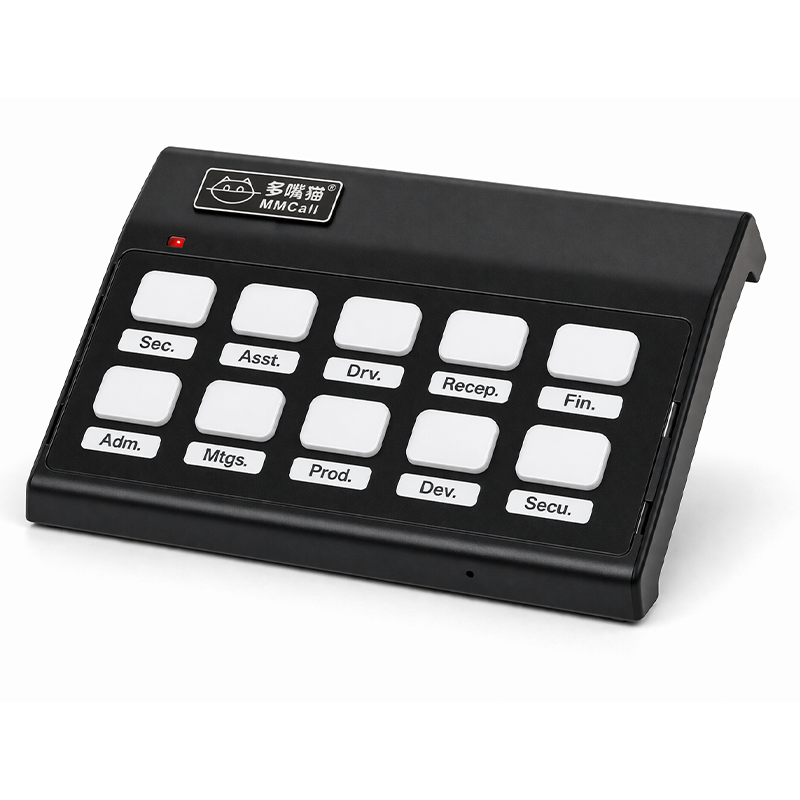
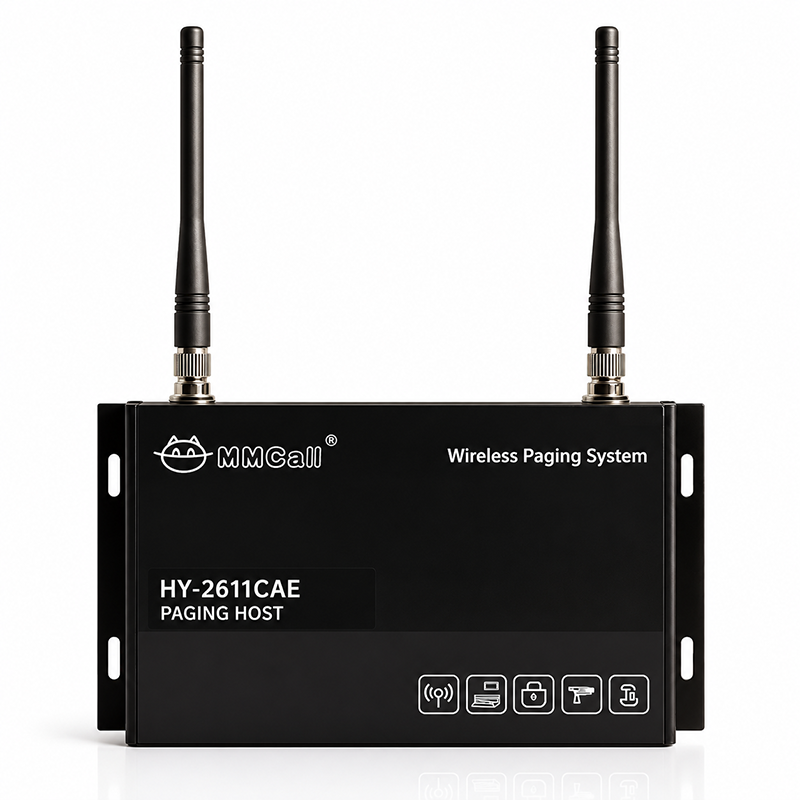
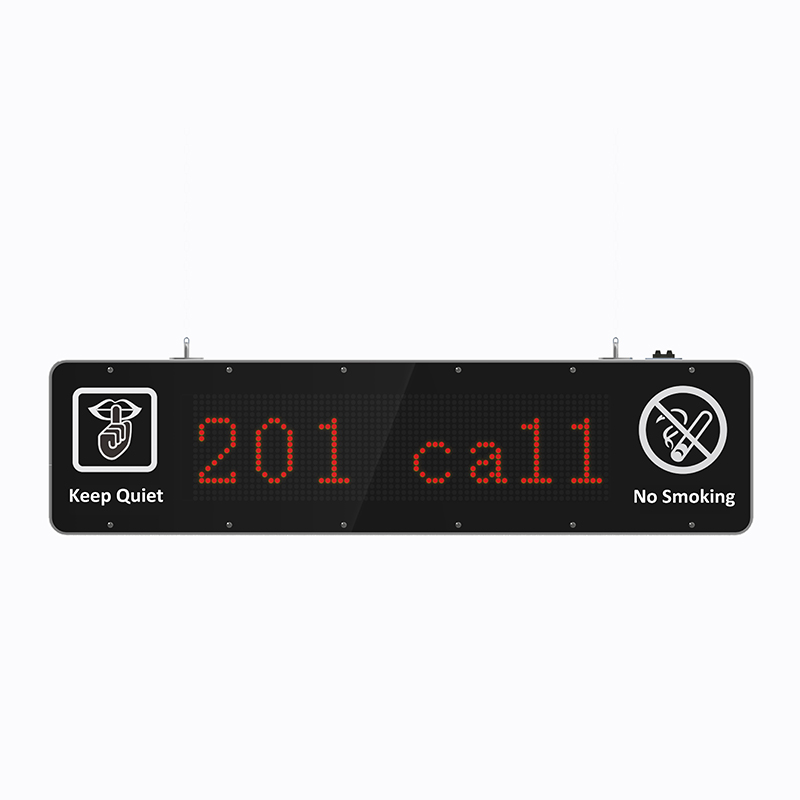
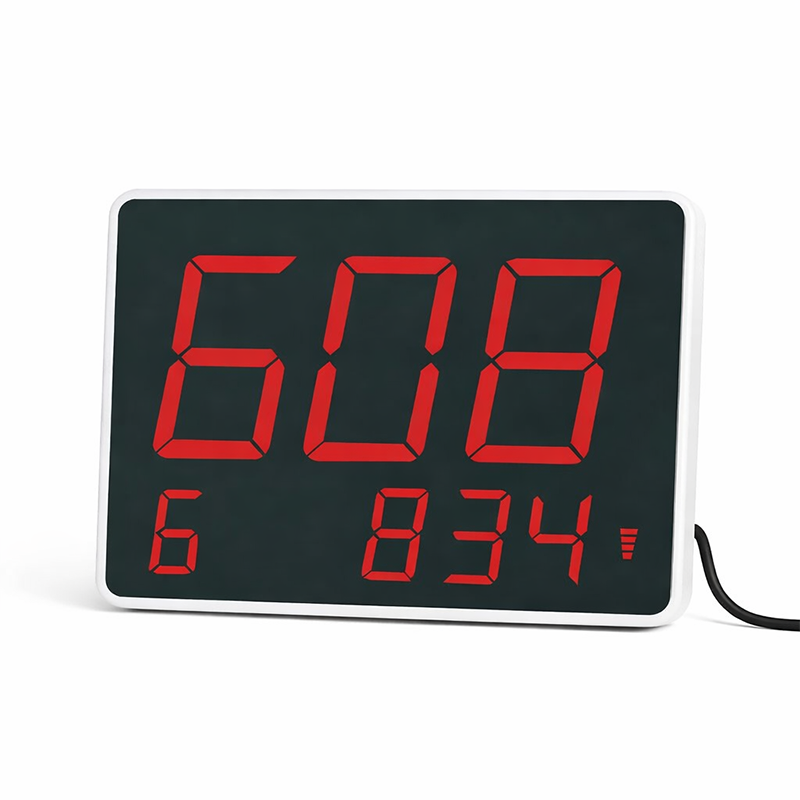
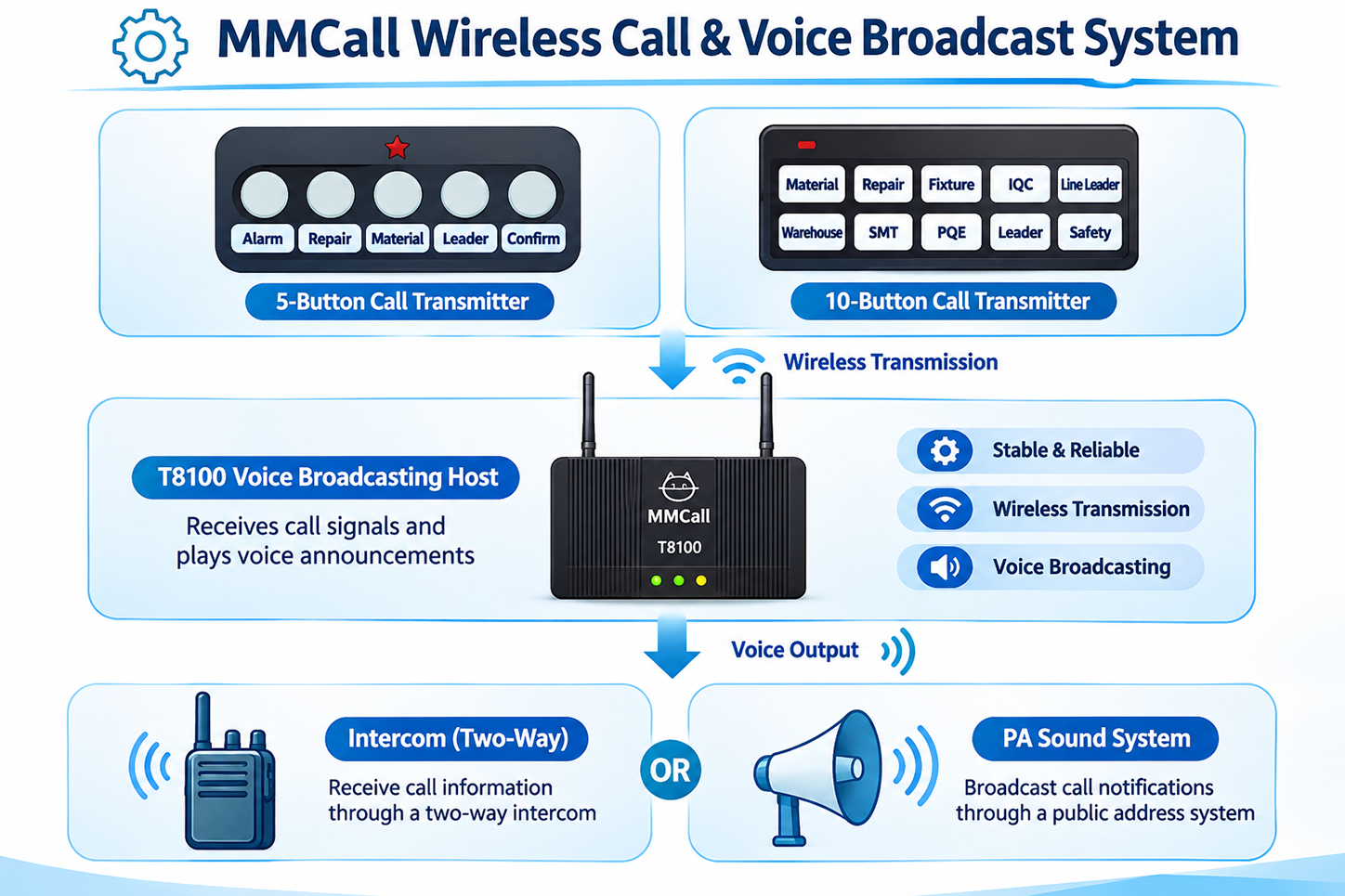
MMCall wireless calling devices can be configured for different types of production floor communication.
Maintenance Requests
Equipment Fault? Call the Maintenance Team.
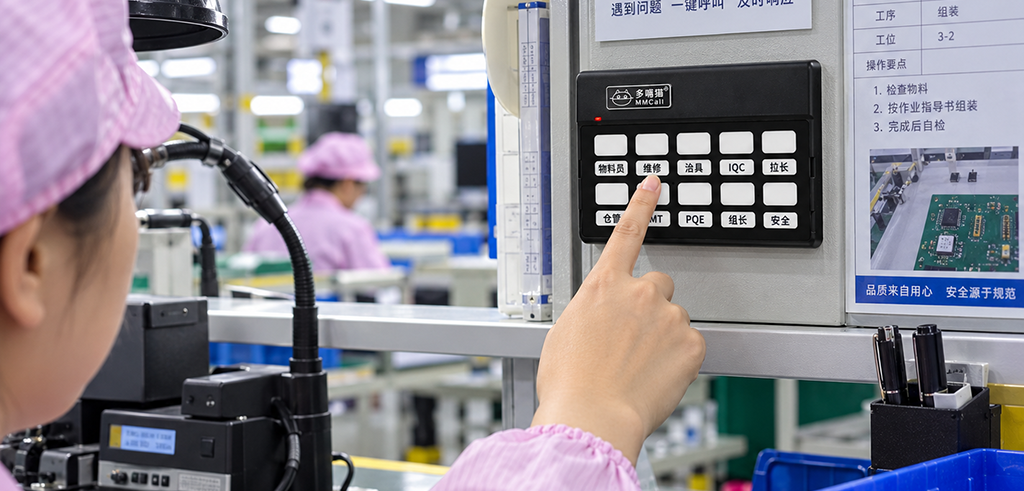
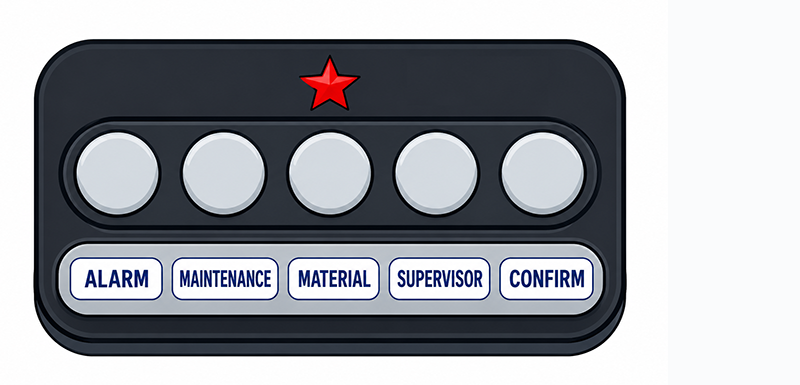
When a machine malfunctions or requires technical assistance, an operator can press the designated maintenance button.
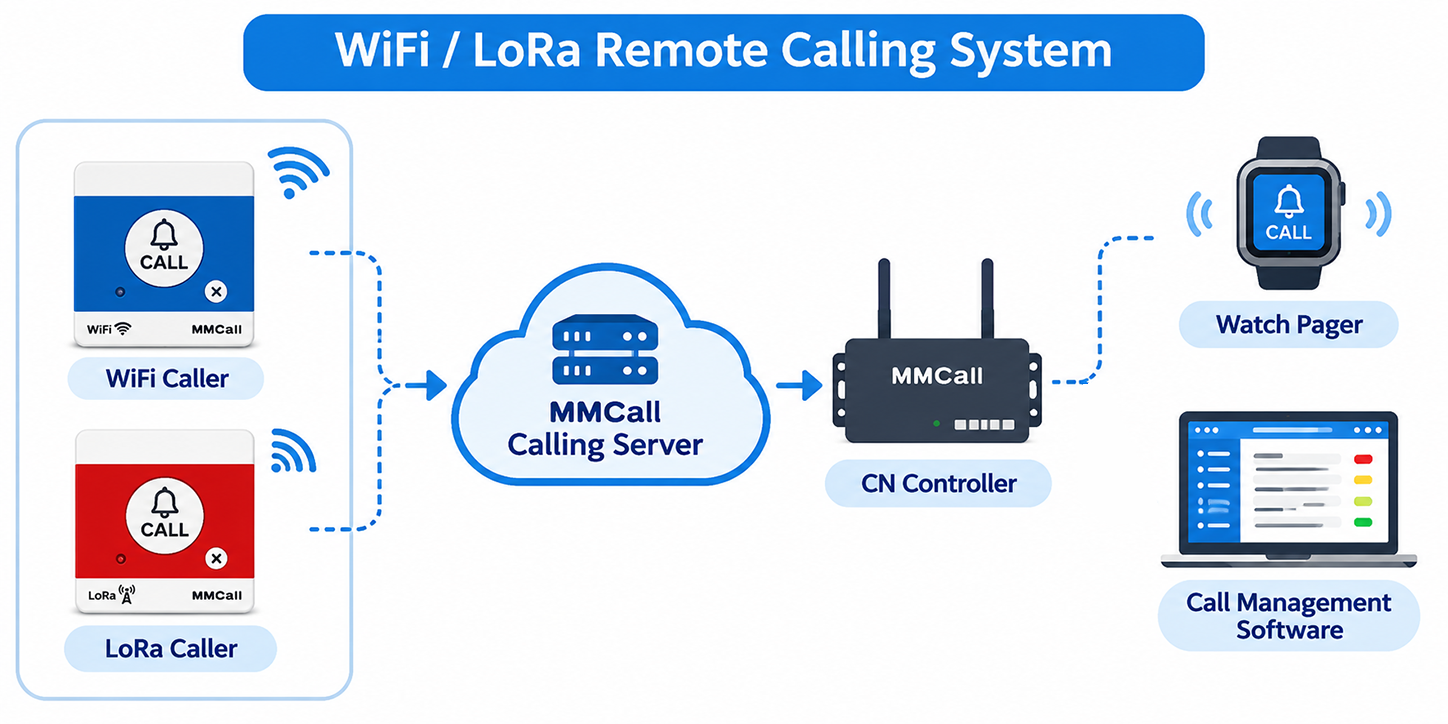
The system identifies the workstation and sends the request to compatible receiving devices.
Maintenance personnel can view the information and attend to the location requiring assistance.
Example Notification:
"Station A02 — Maintenance Required"
Material Replenishment Requests
Materials Running Low? Notify the Material Handler.
Production operators can use a designated material request button to notify warehouse or material handling personnel.
This reduces the need to leave the workstation simply to communicate a replenishment request.
Example Notification:
"Station B303 — Material Required"
Supervisor Assistance
Need Help with a Production Issue? Call the Supervisor.
Operators can request assistance from production leaders or supervisors when operational problems require additional guidance.
Example Notification:
"Station C08 — Supervisor Required"
Quality Inspection Requests
Ready for Inspection? Notify the Quality Team.
Where configured, a dedicated button can send inspection-related requests to responsible personnel.
Example Notification:
"Station D12 — Quality Inspection"
Emergency Assistance
Unexpected Situation? Send an Assistance Request.
A configured emergency assistance button can notify designated staff when urgent help is needed at a workstation.
Emergency requests can be displayed on compatible receiving devices according to the system configuration.
This is an operational communication and notification system. It does not replace legally required fire alarms, emergency stop systems, or certified industrial safety equipment.






 ↗