Guests Choose Their Seats. Staff Find Their Tables
In many fast-casual restaurants, customers order at the counter and then choose where to sit.
When the food is ready, staff need to know which table the guest has chosen.
An order number alone does not tell the food runner where the guest is sitting.
The MMCall Table Tracker System helps restaurants identify the guest's table and deliver food to the correct location.
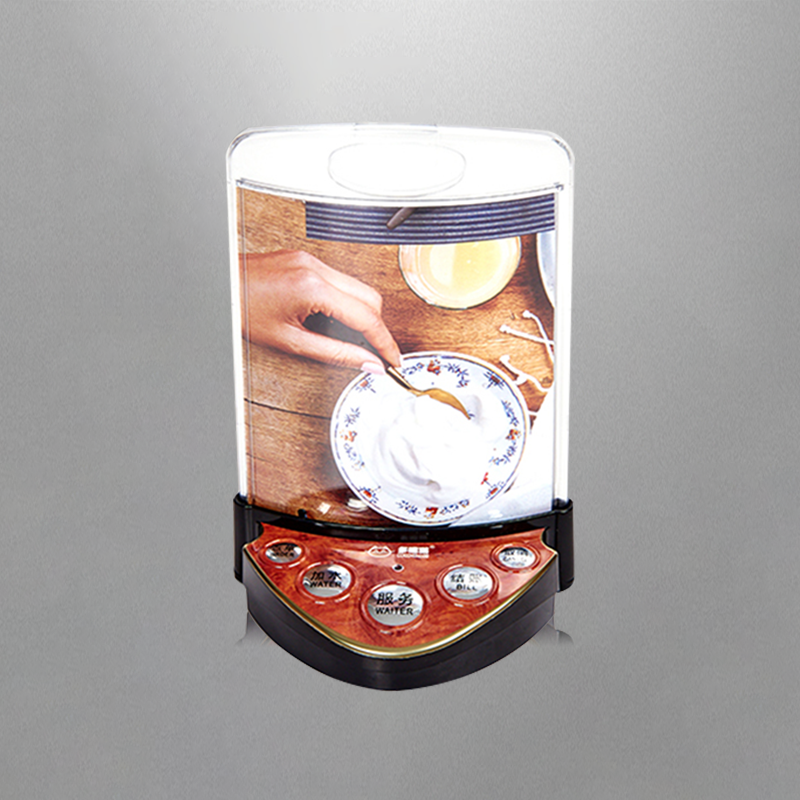
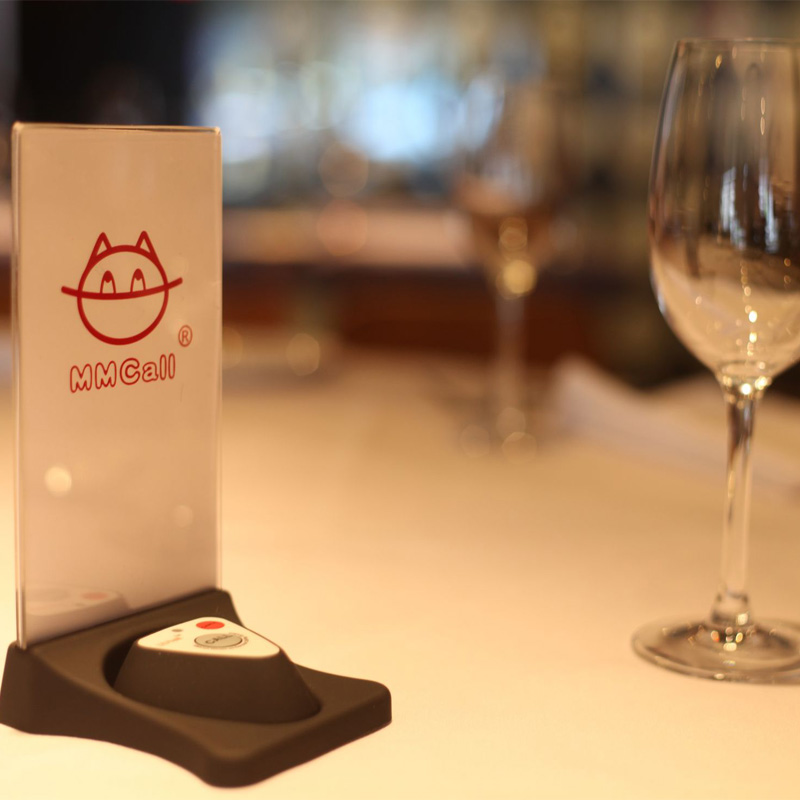
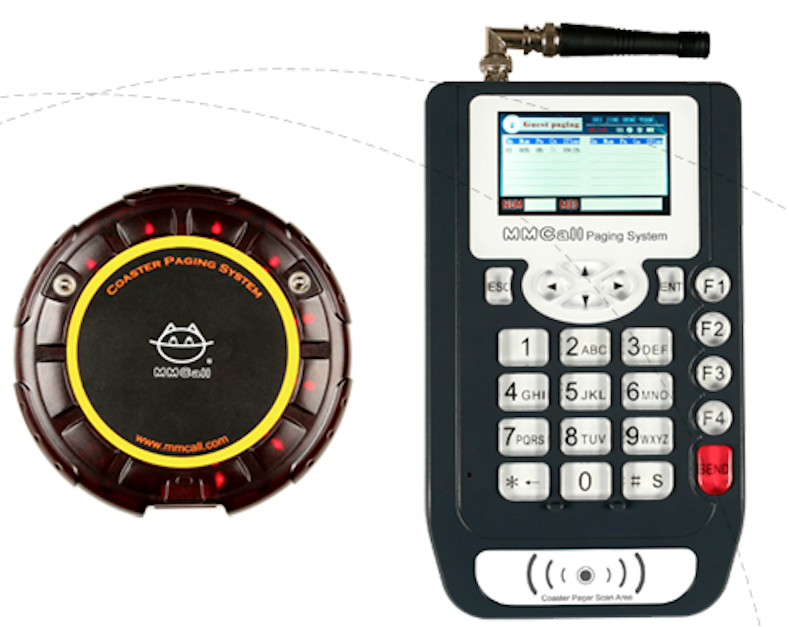
The system uses a portable table locator, table markers, wireless receiving equipment, and table-location software.
How It Works
Step 1 — Place an Order
The guest orders at the counter. Staff give the guest a portable locator linked to the order.
Step 2 — Choose a Table
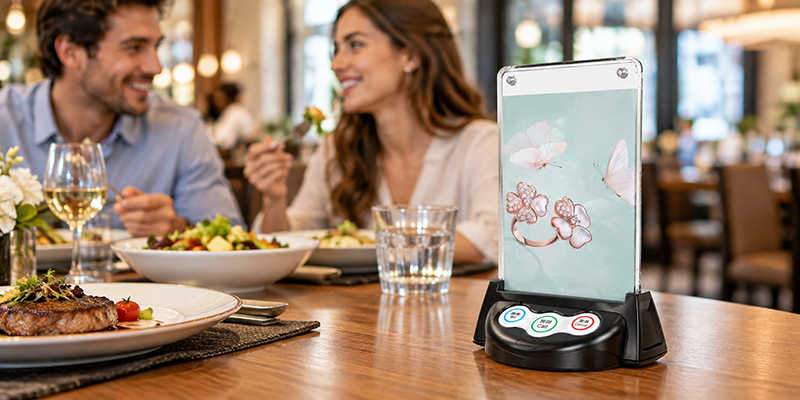
The guest chooses an available table and places the locator on the marked area.
Step 3 — Identify the Table
The table tracker reads the table marker and sends the table number to the receiving system.
Step 4 — Show the Table Number
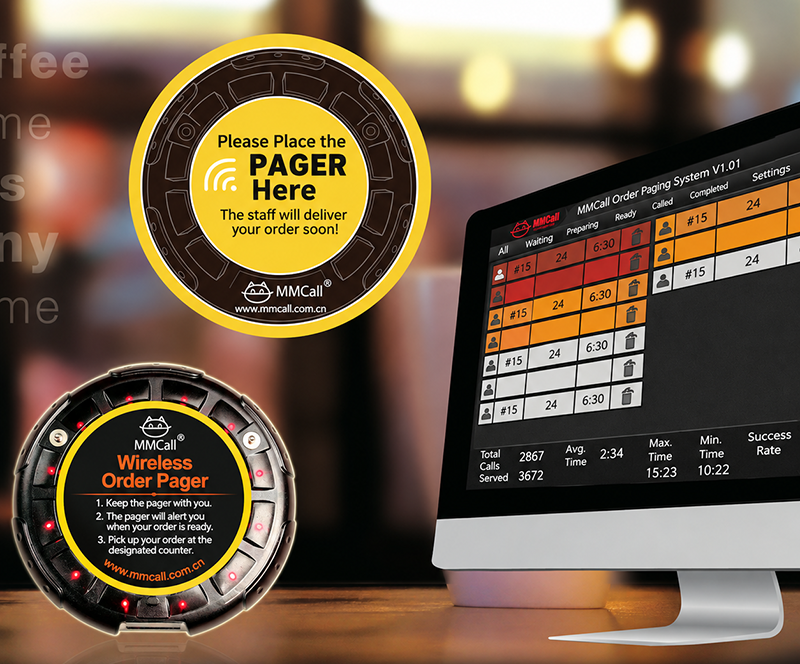
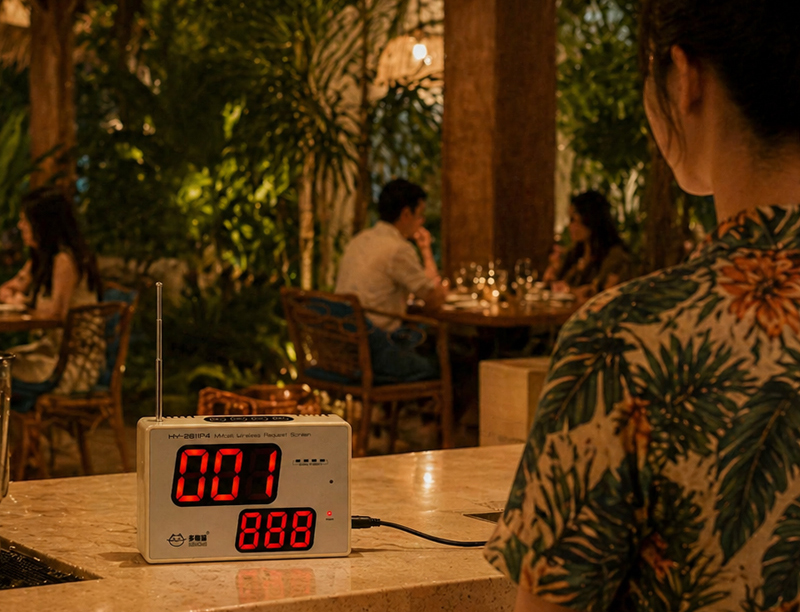
The software displays the order number and its matching table number.
Step 5 — Deliver the Food
When the meal is ready, the food runner checks the software, finds the table, and delivers the order.
Main Benefits
Guests Can Choose Their Seats. Customers do not need to select a table when ordering, take any sits availalbe.
Automatic Table Identification. The system reads the table number when the locator is placed on the marker sticker on the table.
Clear Order and Table Information. Staff can see which table is linked to an order.
Easier Food Delivery. Food runners can find guests using the displayed table numbers.
Table Tracker vs. Guest Pager
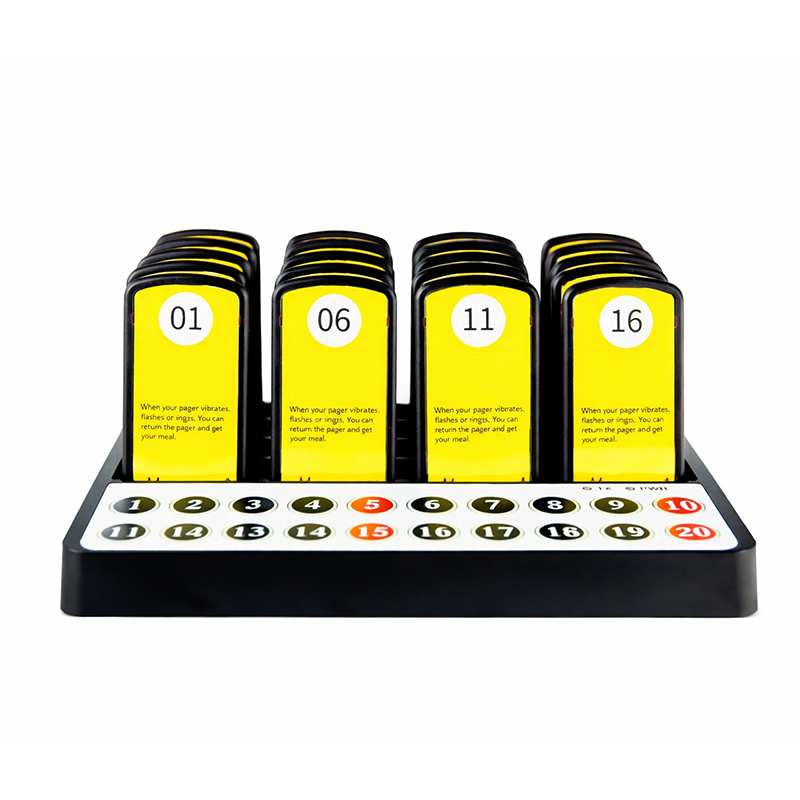
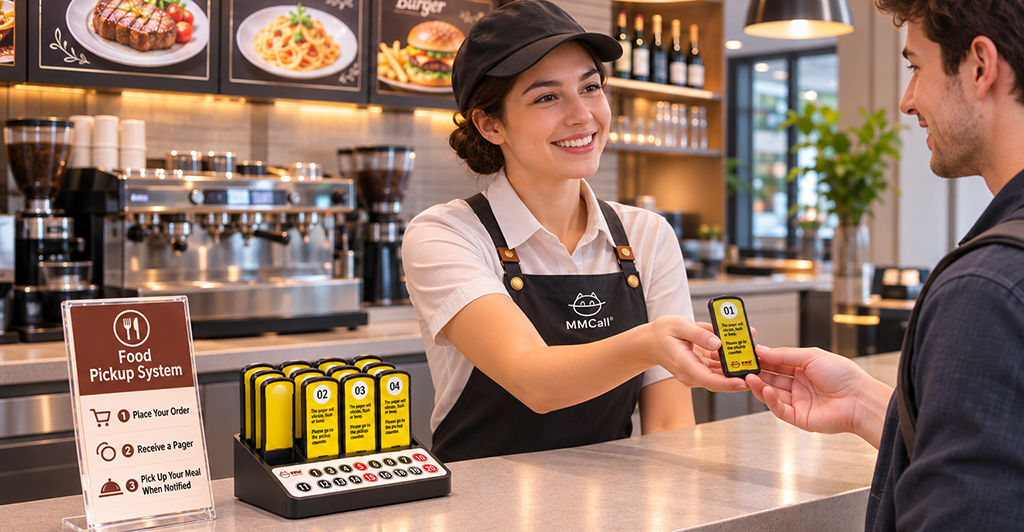
Guest Pager: The customer receives an alert and comes to the counter to collect the food.
Table Tracker: The customer stays at the table, and a food runner delivers the food.
MMCall provides solutions for both service models.
The system identifies tables using designated table markers. It is not a GPS tracking system. Order linking and software functions depend on the selected configuration.

 ↗